

Finding your way
You mostly move between:
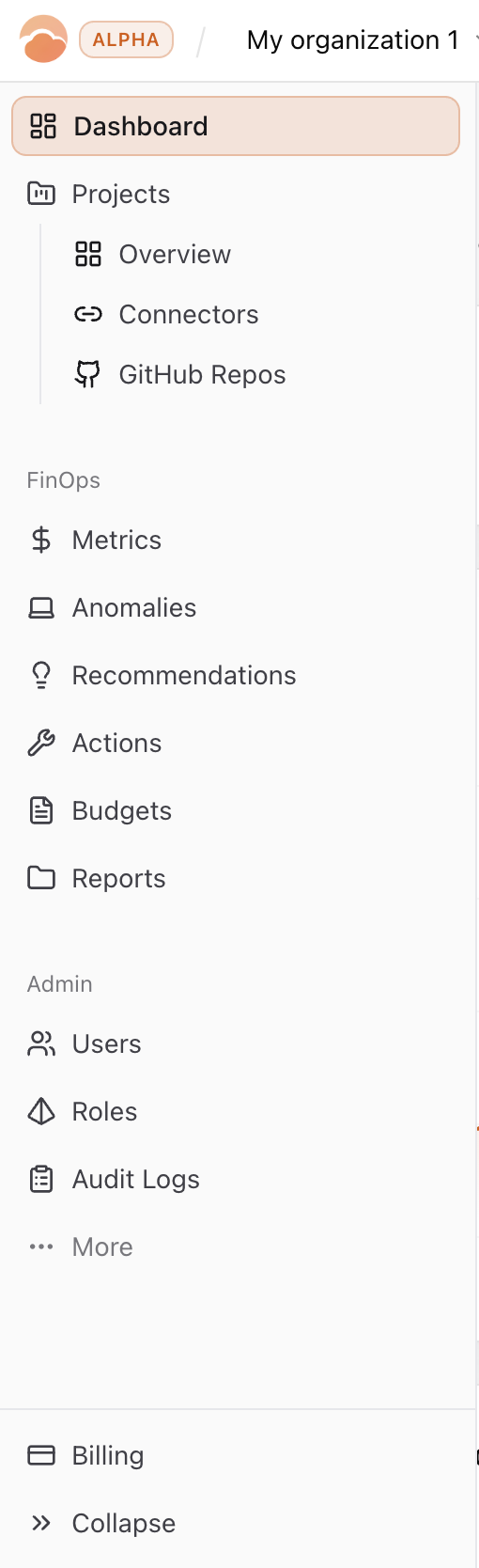
- Left sidebar — Dashboard, Projects (overview, connectors, GitHub), FinOps (metrics through reports), Admin, and Billing at the bottom.
- Header — Org switcher, scope (cloud account / GCP project) on FinOps pages, search, chat, notifications, avatar (settings, sign out).
Search jumps to pages and common entities; chat stays available while you read docs or triage. Theme follows your OS unless you toggle it.

That’s enough to orient; the walkthrough page carries the real story.